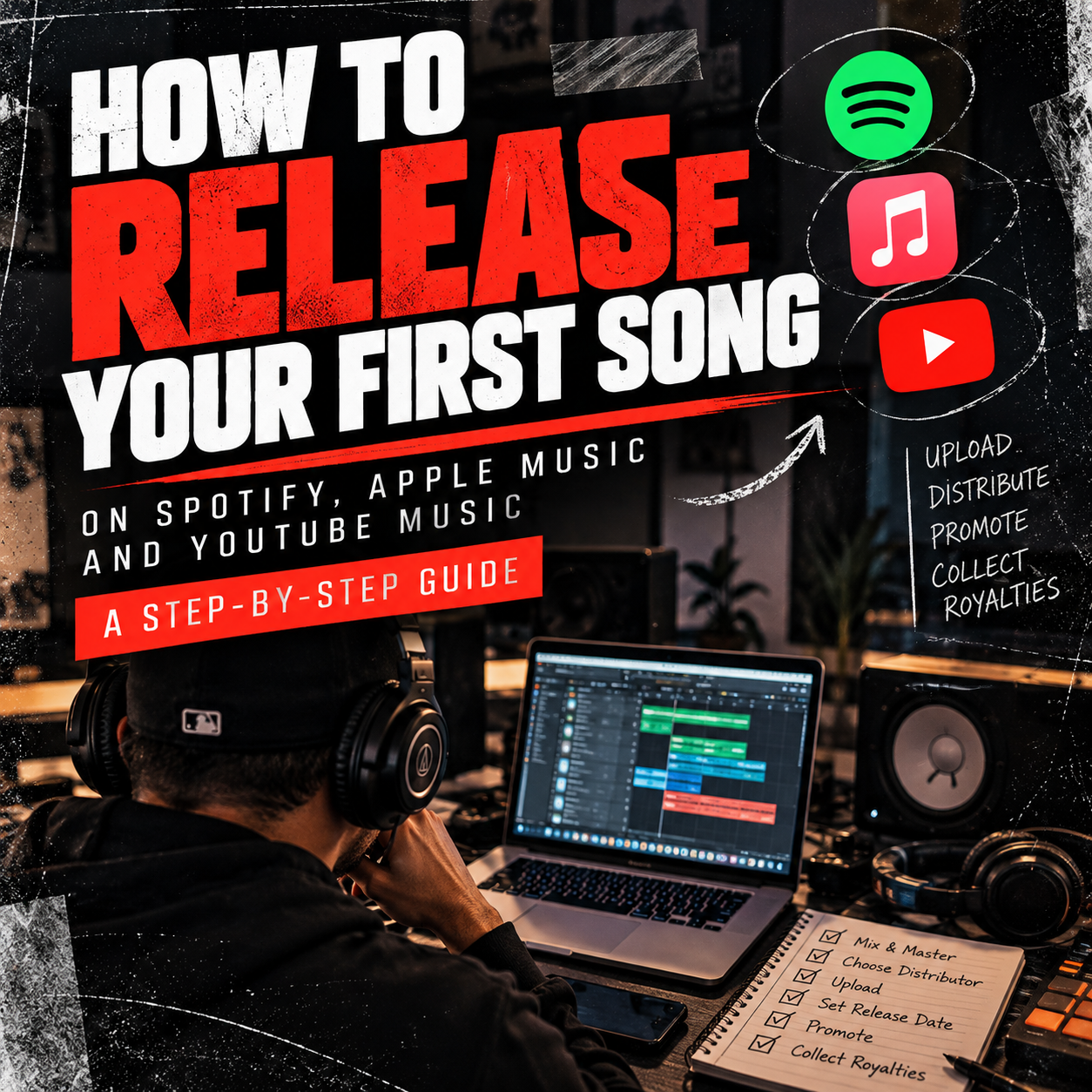
How to Release Your First Song on Spotify, Apple Music, and YouTube Music: A Step-by-Step Guide for Independent Artists
Ready to release your first song? Learn how to upload your music to Spotify, Apple Music, YouTube Music, and other streaming platforms, even if you don’t have a record label.
Introduction: You Don’t Need a Record Label to Release Music
There was a time when getting your music into stores required a record deal, a distribution company, and connections within the music industry.
Today, independent artists can release their music worldwide without signing to a major record label.
Whether you’re a rapper, singer, producer, or songwriter, you can distribute your music to platforms like Spotify, Apple Music, YouTube Music, Amazon Music, and many others using a digital music distributor.
But uploading a song is only one part of the process.
If you want to release your music professionally, protect your rights, collect royalties, and give your song the best opportunity to reach listeners, there are several important steps you should follow.
In this guide, we’ll walk you through the entire process, from preparing your master recording to promoting your song after release.
Step 1: Make Sure Your Song Is Ready for Release
Before uploading anything, your song needs to be finished.
That means your recording should be properly mixed and mastered.
Mixing is the process of balancing vocals, instruments, effects, and other elements so everything sounds cohesive.
Mastering is the final stage of audio preparation, where the completed mix is optimized for consistent playback and distribution.
While you don’t necessarily need to spend hundreds of dollars on professional mastering, your song should sound clean, balanced, and competitive with other commercially released music.
Before releasing your track:
- Listen to it on headphones, car speakers, and your phone.
- Check for distortion, clipping, and unwanted background noise.
- Make sure the vocals are clear and properly balanced.
- Export a high-quality final master.
- Confirm that you have permission to use all beats, samples, and recordings included in the song.
Important: If you purchased a beat online, review the license agreement. Some beat licenses have limitations on distribution, streams, monetization, or ownership.
An unauthorized sample can create copyright problems even after your song has been distributed.
Step 2: Choose a Digital Music Distributor
You generally cannot upload an independent commercial release directly to Spotify or Apple Music through their standard artist dashboards.
Instead, you’ll need a digital music distributor.
A distributor delivers your music to streaming platforms and helps collect revenue generated from eligible uses of your sound recordings.
Here are three popular options:
DistroKid
DistroKid offers subscription-based music distribution and is commonly used by independent artists who release music frequently.
Its features include delivery to major streaming services, royalty reporting, and optional promotional tools.
Website: https://distrokid.com
TuneCore
TuneCore provides digital distribution services along with tools for artists managing their releases and music careers.
Depending on the selected plan and services, artists may have access to additional publishing and promotional features.
Website: https://www.tunecore.com
CD Baby
CD Baby is known for offering distribution with a one-time release fee rather than requiring a standard annual distribution subscription.
It also offers additional music industry services.
Website: https://cdbaby.com
Which Distributor Should You Choose?
That depends on your release schedule, budget, and long-term goals.
If you plan to release music frequently, a subscription-based distributor may make sense.
If you only release a few songs per year, you might prefer a pay-per-release option.
Before choosing, compare:
- Distribution fees and subscription costs
- Royalty commissions
- What happens to your music if you cancel
- Payment methods and withdrawal requirements
- Customer support
- YouTube Content ID eligibility and fees
- Optional publishing administration services
StayOnBeat Tip: Don’t choose a distributor based only on the cheapest advertised price. Understand what you’re paying for and what happens to your music if you stop using the service.
Step 3: Prepare Your Cover Artwork
Your cover artwork is often the first thing listeners see when discovering your song.
A professional-looking cover can help establish your identity and make your release more memorable.
Most distributors recommend or require square artwork, commonly 3000 × 3000 pixels.
For best results:
- Use a high-quality JPG or PNG image.
- Keep the artwork square.
- Avoid blurry or pixelated graphics.
- Make sure you have permission to use all images and design elements.
- Avoid unauthorized logos, misleading branding, or promotional text that violates distributor guidelines.
Your artwork doesn’t need to be expensive.
A simple, creative design can be just as effective as a complicated one.
The goal is to create something that represents the song and looks professional when displayed on streaming platforms.
Step 4: Understand ISRC Codes and Song Metadata
Before releasing your music, it’s important to understand two things: ISRC codes and metadata.
What Is an ISRC Code?
An International Standard Recording Code (ISRC) is a unique identifier assigned to a specific sound recording or music video.
Think of it as an identification number for your recording.
If you release the same recording through multiple distributors, you should generally retain the same ISRC rather than creating a new one.
Most digital distributors can assign an ISRC during the upload process.
You usually don’t need to purchase one separately.
What Is Music Metadata?
Metadata is the information associated with your song.
It typically includes:
- Artist name
- Song title
- Featured artists
- Songwriters and composers
- Producers and other credits
- Release date
- Genre
- Language
- Explicit-content designation
- ISRC
Make sure all information is accurate.
For example, if your artist name is spelled differently across releases, you may create confusion or cause your music to appear on the wrong artist profile.
StayOnBeat Tip: Decide how you want your artist name displayed before your first release and use that spelling consistently.
Step 5: Upload Your Song to Your Distributor
Once your song, artwork, and metadata are ready, it’s time to upload your music.
Although every distributor has a slightly different interface, the general process is similar.
1. Create your distributor account.
Sign up with your chosen distributor and complete any required account or payment information.
2. Start a new release.
Choose whether you’re releasing a single, EP, or album.
For your first release, a single can be a manageable starting point.
3. Upload your audio file.
Use the high-quality format accepted by your distributor, typically a lossless WAV or FLAC file.
4. Upload your cover artwork.
Make sure the image meets the distributor’s technical requirements.
5. Enter your metadata.
Add your artist name, song title, genre, credits, and other required details.
6. Select streaming platforms.
Choose Spotify, Apple Music, YouTube Music, Amazon Music, and any other services you want to reach.
7. Choose your release date.
If possible, schedule your release in advance instead of publishing immediately.
8. Review everything before submitting.
Double-check spelling, artwork, audio quality, credits, and ownership information.
Once submitted, your distributor will review and deliver your music to the selected services.
Delivery and processing times vary by distributor and platform.
Step 6: Schedule Your Release in Advance
One mistake many new artists make is uploading a song and expecting it to generate attention immediately.
A better strategy is to give yourself time to promote the release.
For a first single, consider scheduling your release three to four weeks in advance.
This is a practical planning recommendation, not a required delivery period.
It gives you time to prepare promotional content, contact collaborators, organize your release campaign, and complete eligible playlist pitches.
Example: Four-Week Release Plan
Week 1: Upload and Prepare
Upload your song, finalize your artwork, and prepare promotional materials.
Week 2: Build Awareness
Post snippets, behind-the-scenes videos, and content introducing the song.
Week 3: Promote the Upcoming Release
Share the release date, encourage followers to save the song when a pre-save option is available, and contact potential promotional partners.
Week 4: Release Week
Post your streaming links, share music-related content, and engage with listeners.
The goal is to create awareness before your song becomes available.
Step 7: Claim Your Spotify for Artists Profile
After your distributor has delivered your music and Spotify has created or matched your artist profile, you can request access to Spotify for Artists.
Website: https://artists.spotify.com
Spotify for Artists allows eligible artists and their teams to manage parts of their artist presence and access useful performance information.
Depending on your account and available features, you can:
- Update your artist profile
- Upload artist photos
- Write your biography
- Review listener and streaming analytics
- Manage certain promotional tools
- Pitch eligible unreleased music for editorial playlist consideration
How to Pitch Your Song to Spotify Playlists
Spotify offers a free editorial playlist pitching tool through Spotify for Artists.
For eligible unreleased songs, you can submit a pitch explaining your music, genre, mood, and promotional plans.
Spotify recommends pitching at least seven days before release for certain playlist-related benefits.
Submitting a pitch does not guarantee editorial playlist placement.
Important: Be cautious of anyone promising guaranteed placement on official Spotify editorial playlists in exchange for payment.
Step 8: Claim Your Apple Music for Artists Profile
Apple Music also provides tools for artists to manage their presence and understand their audience.
Website: https://artists.apple.com
Once your music is live and eligible for claiming, you can request access to your artist profile.
Apple Music for Artists provides features such as:
- Artist profile management
- Listening and audience analytics
- Song performance insights
- Promotional assets and sharing tools
Claiming your profile helps you establish a more professional presence.
You should also make sure your artist images, biography, and branding remain consistent across platforms.
Step 9: Understand How to Collect Your Music Royalties
This is one of the most important steps in the entire process.
Many independent artists believe that uploading their music through a distributor means they’re automatically collecting every royalty they’re entitled to.
That is not necessarily true.
Music can generate different types of royalties, and different organizations administer different rights.
Master Recording Royalties
These are associated with the sound recording itself.
Your distributor typically collects eligible streaming revenue from the services it delivers to and pays you according to its agreement.
Performance Royalties for Songwriters
Songwriters and publishers may earn public performance royalties when their compositions are performed or used in qualifying ways.
In the United States, organizations such as ASCAP and BMI administer performance rights for affiliated songwriters and publishers.
Websites:
Mechanical Royalties
In the United States, The Mechanical Licensing Collective (The MLC) administers certain digital audio mechanical royalties under the blanket license established by the Music Modernization Act.
Eligible self-administered songwriters and publishers can register works and claim royalties through The MLC.
Website: https://www.themlc.com
If you use a publishing administrator, confirm which registrations and collections it handles to avoid overlapping claims.
SoundExchange
SoundExchange collects and distributes certain digital performance royalties for sound recordings, including eligible noninteractive digital radio uses in the United States.
Website: https://www.soundexchange.com
These royalties are different from ordinary on-demand Spotify streaming revenue.
StayOnBeat Tip: Music distribution and music publishing administration are not the same thing. Understand which rights each service handles before assuming you’re collecting all available revenue.
Step 10: Promote Your Song After Release
Once your music is live, the real work begins.
Simply uploading a song doesn’t guarantee that people will discover it.
Independent artists need a consistent promotional strategy.
Here are several ways to get started.
Create Short-Form Videos
Use Instagram Reels, TikTok, and YouTube Shorts to share engaging content around your song.
Try different approaches:
- Tell the story behind the lyrics.
- Show how the song was recorded.
- Share an acoustic or live performance.
- Create a video explaining what inspired the track.
- Highlight a memorable hook or verse.
You don’t need expensive equipment.
Authenticity and engaging storytelling can be more important than elaborate production.
Submit Your Music to Independent Music Blogs
Music blogs can help introduce your music to audiences outside your existing social media following.
A well-written artist feature can also help establish your online identity and create another page where people can discover your name and music through search engines.
For example, independent artists can submit their music for consideration or purchase an artist feature through StayOnBeat.com.
Connect With Other Independent Artists
Collaborating with artists, producers, DJs, and content creators can help expand your network.
Look for musicians who share your creative interests.
Support their releases, build genuine relationships, and explore opportunities to collaborate.
Promote Your Music Consistently
Don’t promote your song once and then disappear.
Continue creating content around the release for several weeks.
A single song can provide material for multiple videos, performances, interviews, and behind-the-scenes posts.
Remember, not everyone will discover your music on release day.
Step 11: Track Your Results and Improve Your Strategy
Your first release is also a learning opportunity.
Use your streaming dashboards to understand how listeners discover and engage with your music.
Pay attention to:
- Monthly listeners
- Streams and saves
- Playlist activity
- Listener locations
- Social media engagement
- Website visits and promotional link clicks
Instead of focusing only on total streams, look for signs that people are connecting with your music.
Are listeners saving your song?
Are they returning to hear it again?
Are they following your artist profile?
Use those insights to improve your next release.
Final Thoughts: Your First Release Is Just the Beginning
Releasing your first song is an important milestone.
It’s the moment when something you created becomes available for people around the world to discover.
But remember, a successful music career isn’t built on one release.
It’s built through consistency, learning, relationships, and a willingness to keep improving.
Your first song might not generate thousands of streams.
It might not land on a major playlist.
And it might not go viral.
That’s okay.
Every release gives you an opportunity to improve your craft, understand your audience, and build momentum.
Don’t wait for the perfect moment to start your music career. Prepare your release properly, put your music into the world, and keep creating.
Get Your Music Featured on StayOnBeat.com
Want to help more people discover your music beyond social media?
StayOnBeat.com offers custom, SEO-optimized artist features designed to highlight your story, music, and latest projects.
Our professionally written articles are designed to improve your online discoverability and give fans, potential collaborators, and industry professionals another way to learn about your music.
All we need is your artist biography, information or links to your latest projects, and one high-quality artist photo.
Get Your Artist Feature for $24.99.
SEO optimization can help your content appear in relevant Google searches, but specific rankings and traffic are not guaranteed.
Visit StayOnBeat.com to learn more.
StayOnBeat is dedicated to helping independent artists understand the music business, promote their music, and build sustainable careers.